Make images
at the speed of
thought.
GPT Image 2.5 生成器 · 免费在线 AI 图片创作
OpenAI's newest image model, rebuilt as a proper creative workspace. Describe it, sketch it, edit it — and keep every detail that matters.
几秒把文字变成图片。更快,而且编辑时真的能保住你的细节。
Preview build: sample outputs shown. The live version generates with GPT Image 2.5 in real time.
当前为预览版,展示示例出图;正式版将实时调用 GPT Image 2.5。
生成图片会出现在这里。Press Generate — most images finish in seconds.
Made with GPT Image 2.5
Example outputs示例出图
Real sample outputs with the exact prompts that made them. Tap “Use this prompt” to try one yourself. 点「用这个提示词」就能自己试。
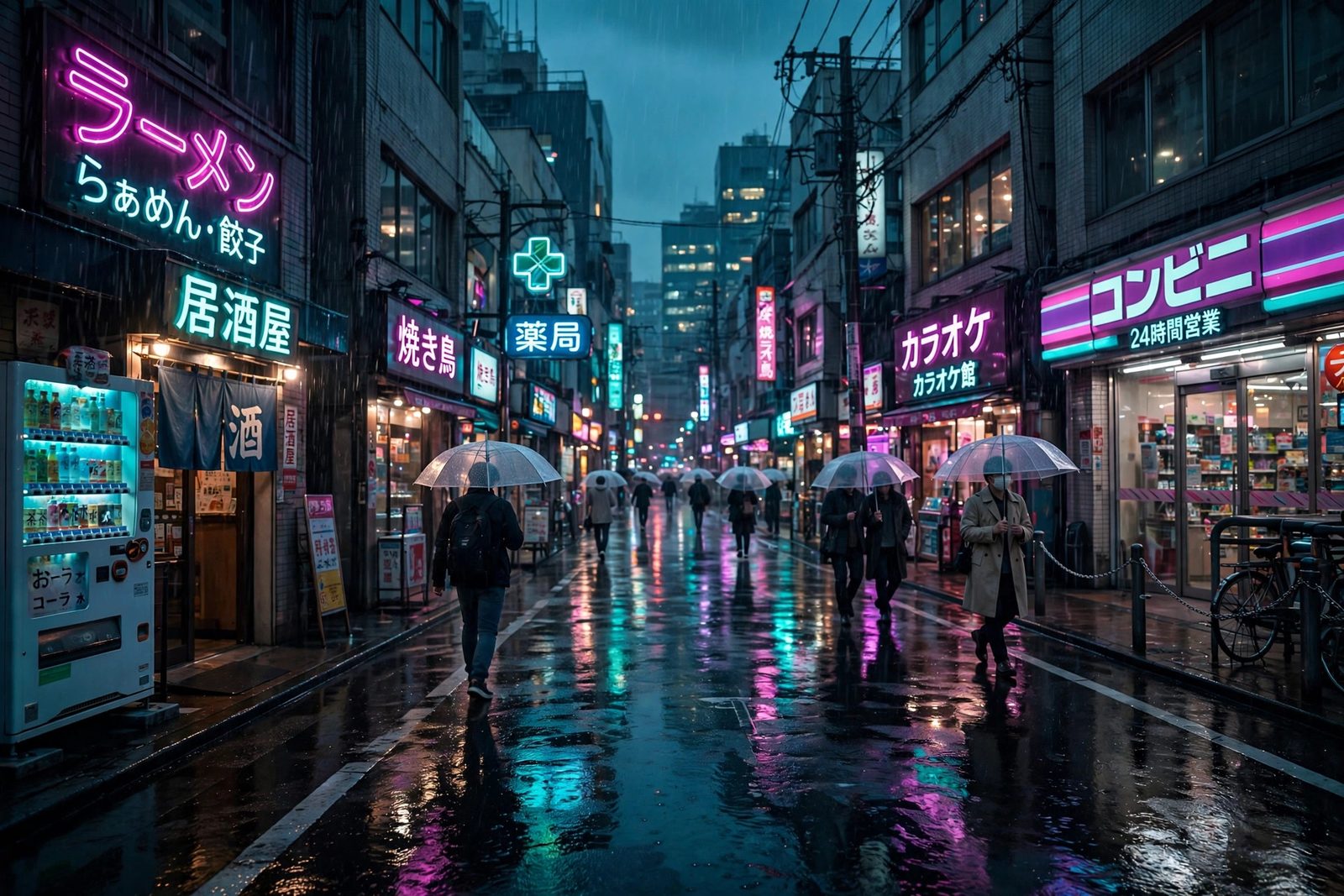
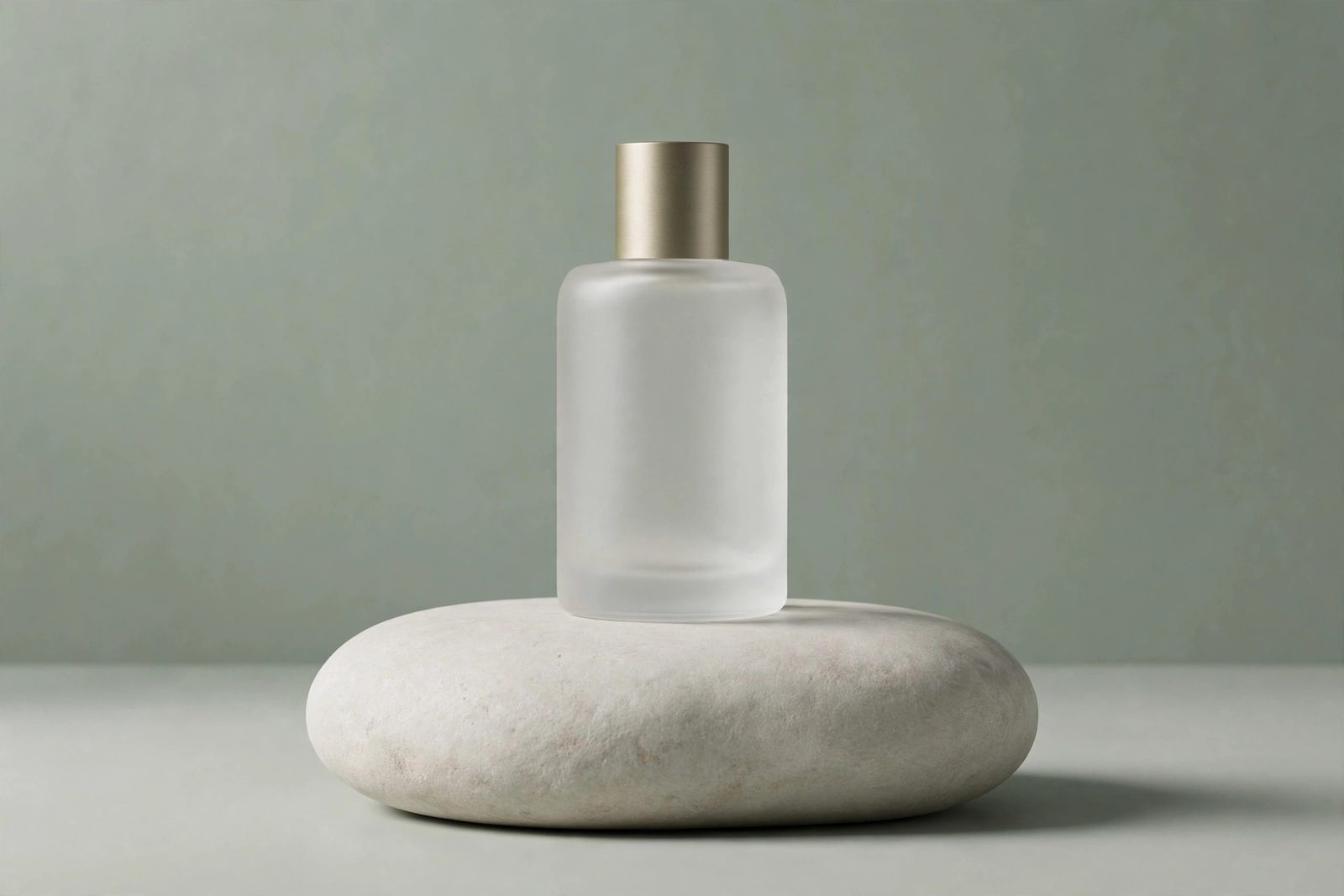
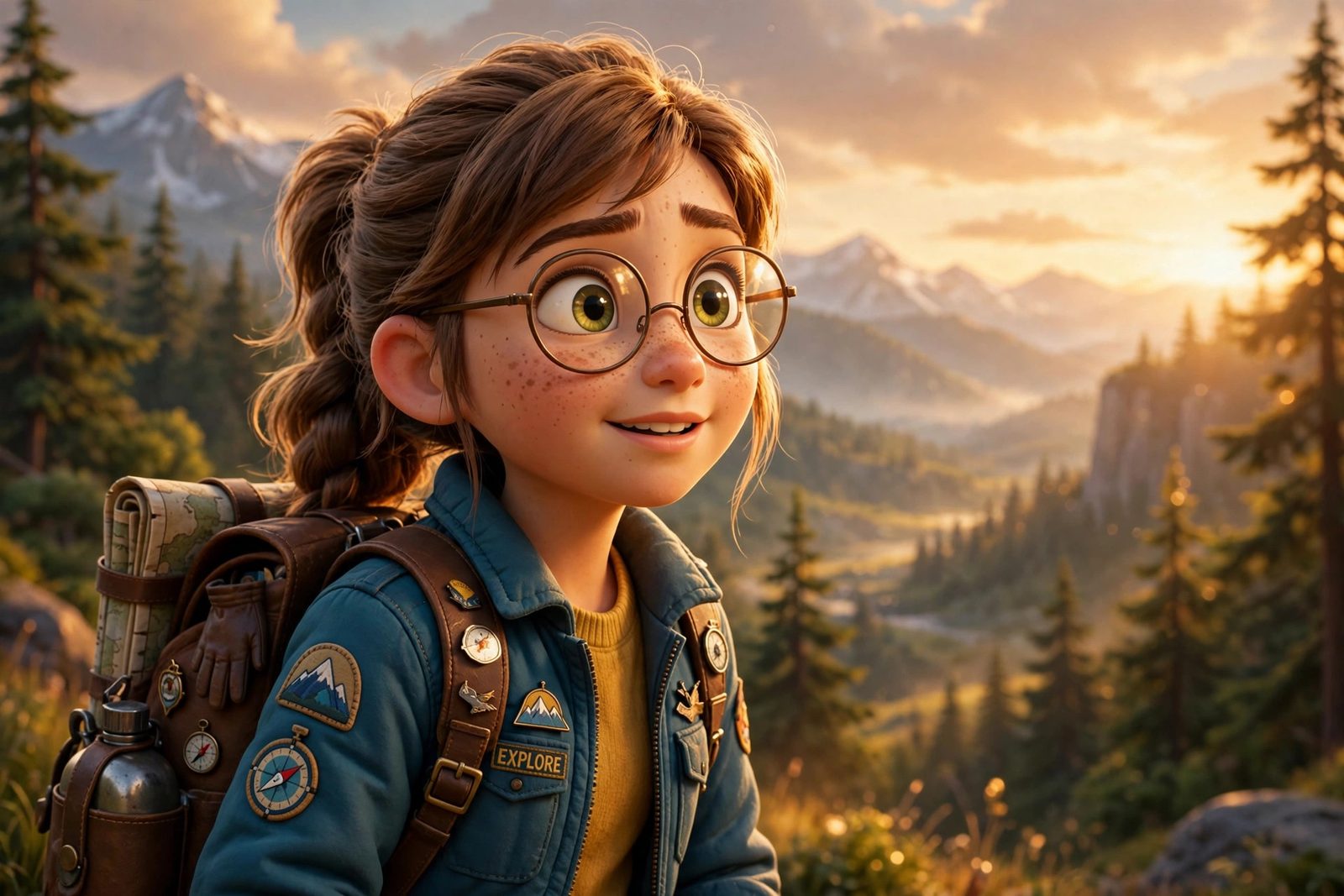
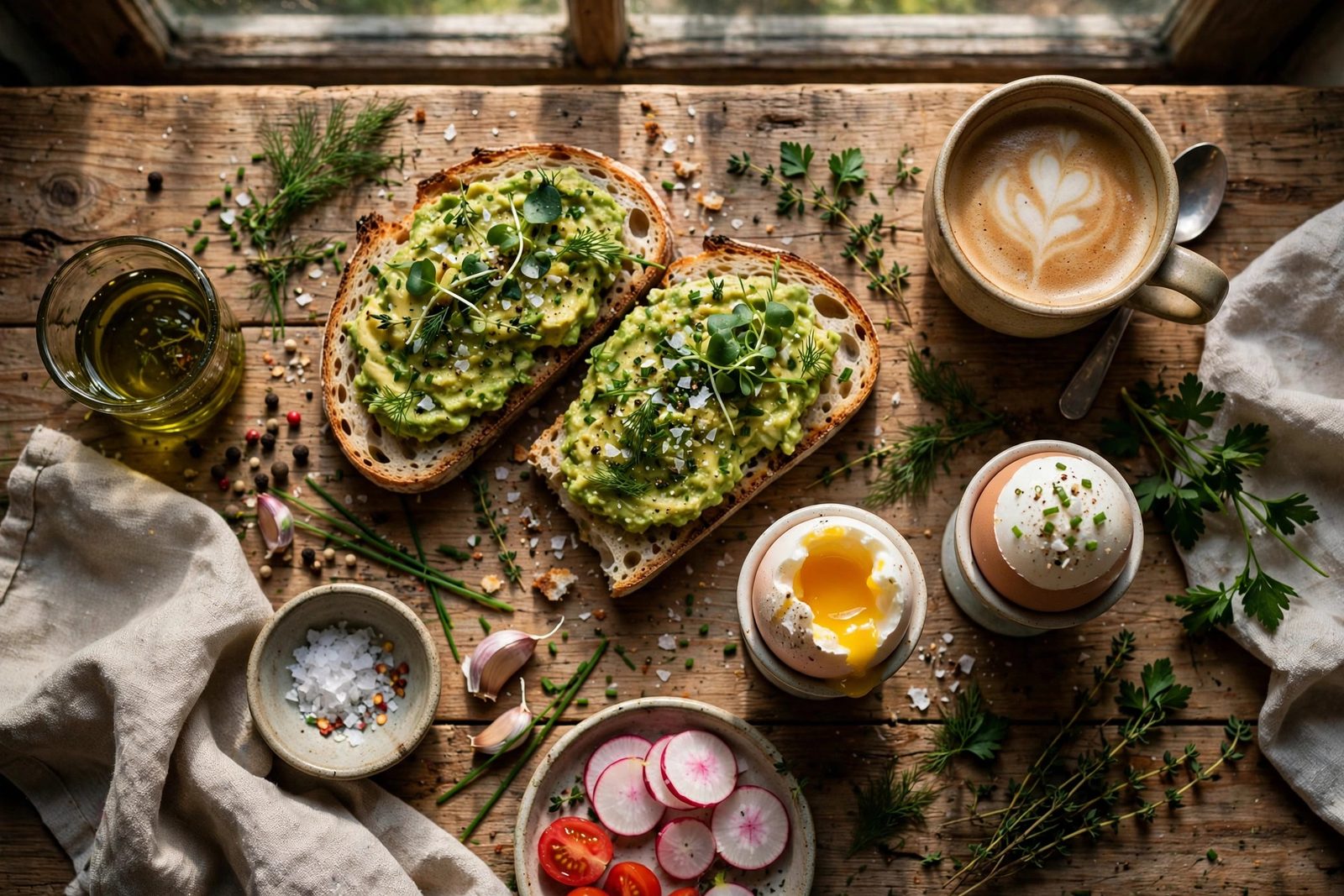
How it works
Three steps to your image三步出图
No account, no queue. Describe, choose, download. 不用注册,不用排队。
Describe — or sketch描述,或者画出来
Type a prompt, or draw a rough sketch and let the model finish it.
输入提示词,或画个草图让模型帮你完成。
Pick your model选模型
Flare for speed, Sunburst when every detail matters.
要快选 Flare,细节至上选 Sunburst。
Download in up to 4K最高 4K 下载
PNG, JPEG or WebP, ready to use anywhere.
PNG、JPEG 或 WebP,拿来就能用。
Flare vs Sunburst
Which model should you pick?双模型怎么选
Same prompt, two engines. Flare gets you drafts fast; Sunburst takes longer and protects every detail. 同一个提示词,两个引擎。
Flare 快速出稿
Everyday generation, quick drafts, lots of variations.
- Best for 适合Drafts & variations 草稿多版
- Speed 速度~2× previous gen 约 2 倍快
- Max size 最高4K · 3840×2160
- Editing 编辑Fresh variations 多试几版
Sunburst 细节保真
Precision work, editing real photos, product images.
- Best for 适合Real photos & products 真实照片
- Speed 速度Slower, quality first 质量优先
- Max size 最高4K · 3840×2160
- Editing 编辑Keeps faces & details 保人脸细节
Why GPT Image 2.5
Built for people who ship pictures功能亮点
Fast generation 快速出图
Shorter waits, more iterations, better final picks.
等得少、改得多、选得好。
Sketch to image 草图变图
Draw the layout, describe the style, get the finished picture.
你画构图,它补细节和风格。
Edits that stick 改哪儿保哪儿
Change one thing, keep everything else. Multi-round editing preserves faces, products and details.
只改你指的地方,其他不动;多轮编辑保住人脸、产品和细节。
Up to 4K 最高 4K
Crisp output for print, posters and product pages.
打印、海报、产品页都够清晰。
Use cases
What people make with it适用场景
Product photos产品图
Studio-grade shots for your store, no camera needed. 网店用的棚拍级产品图,不用相机。
Social posts社交配图
Scroll-stopping images for posts and ads. 让帖子和广告更抓眼球的配图。
Posters & templates海报模板
Start from a template, finish in your style. 从模板起步,按你的风格收尾。
Avatars & characters头像与角色
Consistent characters across every scene. 同一个角色,出现在任何场景里都同一个人。
FAQ
Questions, answered常见问题
What is GPT Image 2.5?它是什么?
Is this GPT Image 2.5 generator free?免费吗?
Which model should I choose, Flare or Sunburst?两个模型选哪个?
Can it edit my existing photo?能改我已有的照片吗?
What resolution can I download?能下载多高清?
Do I need an OpenAI or ChatGPT account?需要 OpenAI 账号吗?
Make your first image now
现在就做第一张图。Free, in your browser, no sign-up. 免费、浏览器打开就能用、不用注册。